OneNote Class Notebook
Save time. Organize. Collaborate.
OneNote Class Notebooks have a personal workspace for every student, a content library for handouts, and a collaboration space for lessons and creative activities.
Class Notebook Sign In

Sign in with your Office 365 account from your school to get started.
Everything you need is included
Class Notebook is now built directly into OneNote for Microsoft 365 on web, Windows, Mac, and iPad. No add-in required.

If you're using OneNote 2016, 2019, or 2021 and do not have Microsoft 365, you may still need to use the downloadable Class Notebook add-in.

If you can follow the steps here in your Desktop version of OneNote, you no longer require the Class Notebook legacy add-in. Otherwise, you can download the legacy add-in here. If you are looking to deploy the legacy add-in broadly across multiple PCs or you are an IT Administrator, please click here for more information.
Organize your course content
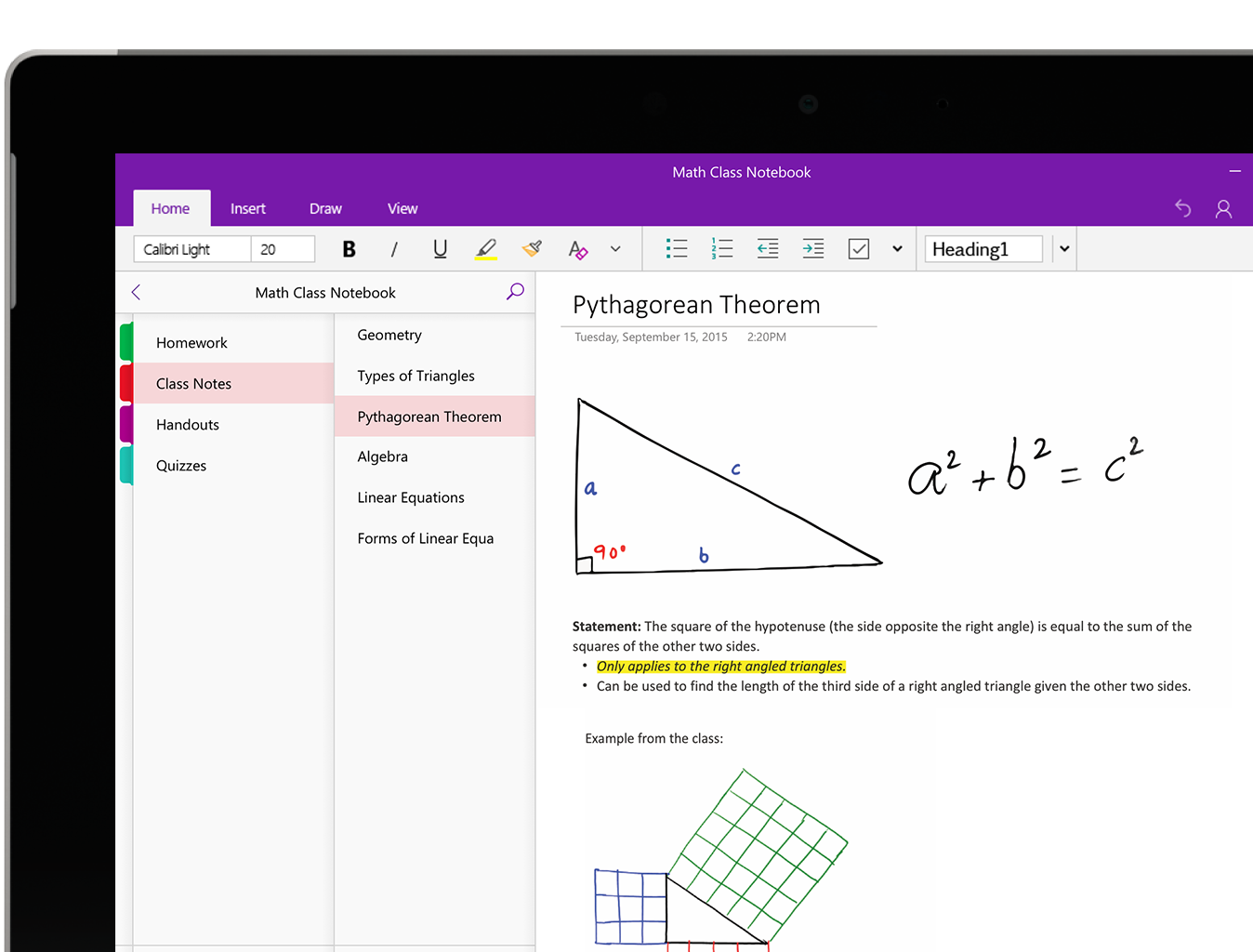
Organize your lesson plans and course content in your own digital notebook.
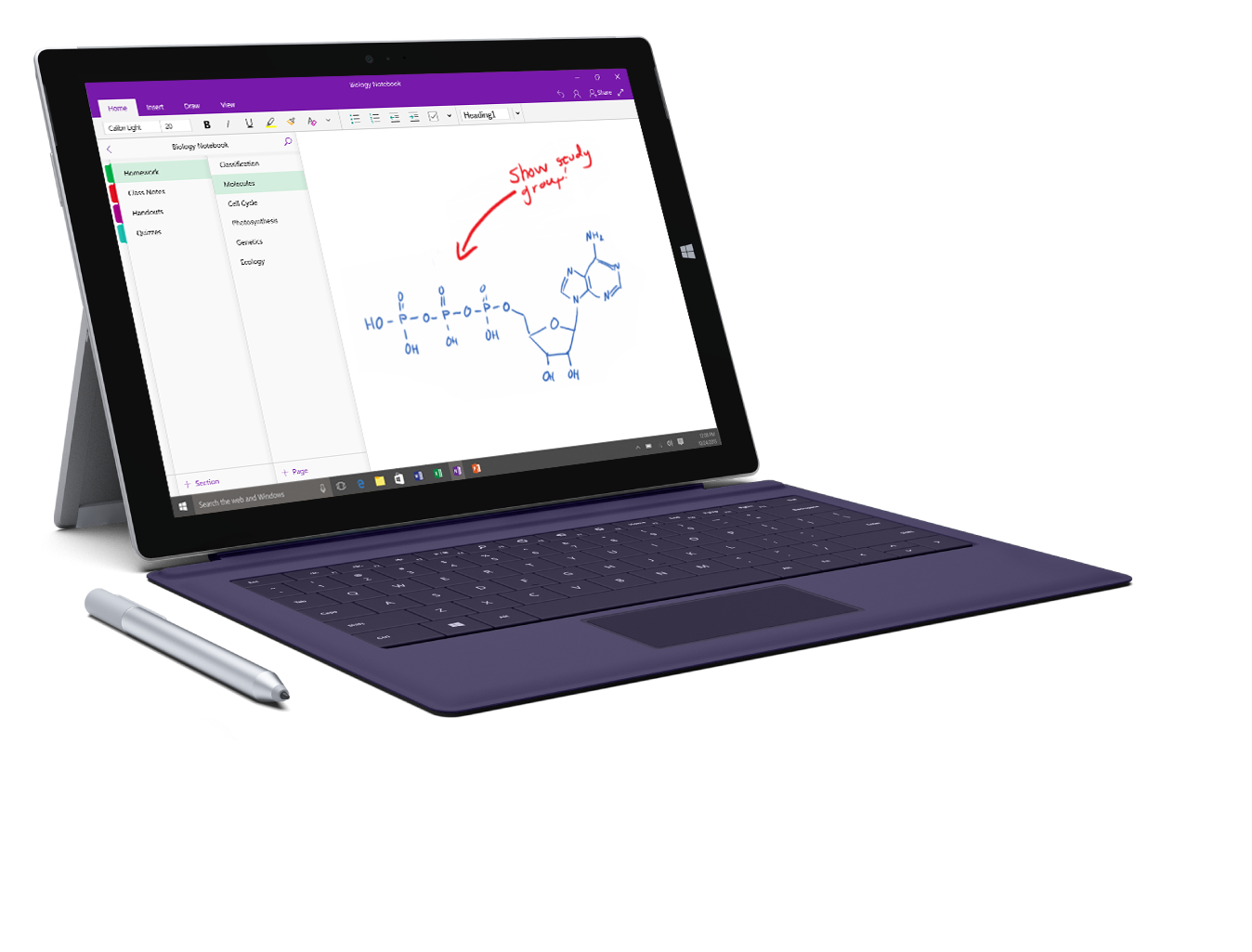
Keep everything in a OneNote Class Notebook, and use its powerful search to find what you're looking for, even text in pictures or handwriting.
Your notebooks are saved automatically and can be viewed from any devices, online or offline.
Free interactive online training
< Staying organized with OneNote
Create & deliver interactive lessons
Gather web content and embed existing lessons in your class notebook to create custom lesson plans.
Include audio and video recordings to create rich interactive lessons for students.
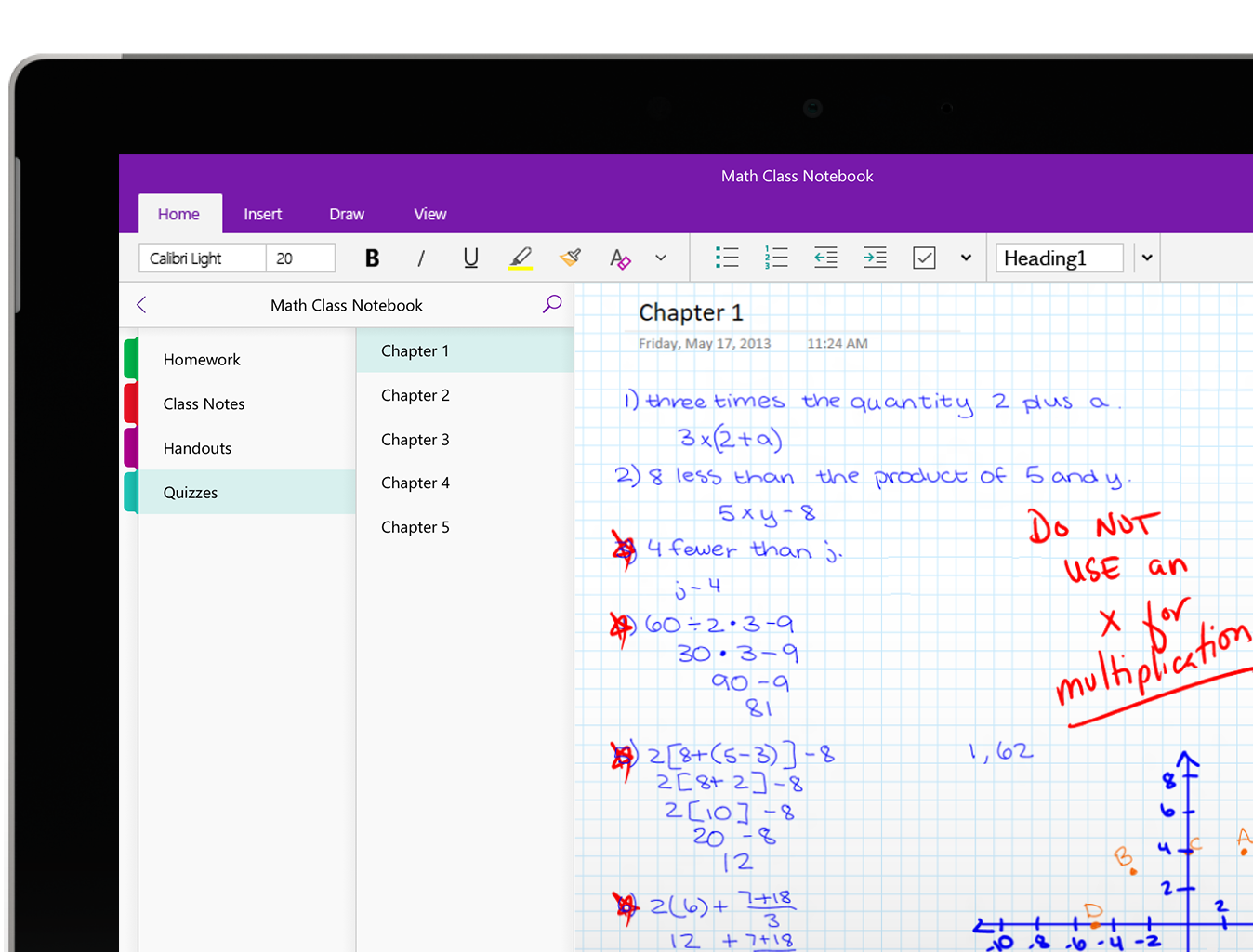
Students can use powerful drawing tools to highlight, annotate slides, sketch diagrams, and take handwritten notes.
Your class notebook makes it easier to collect homework, quizzes, exams and handouts.
Students go to the content library to get their assignments. No more printed handouts for the class.
Free interactive online training
< Creating interactive lessons with OneNote
Collaborate and provide feedback
Provide individualized support by typing or writing directly in each student's private notebook.
The collaboration space encourages students to work together as the teacher provides real-time feedback and coaching.
By searching for tags asking for help, teachers can give instant feedback to students who are struggling.
Get Started Now
Save time. Organize. Collaborate.
OneNote Class Notebooks have a personal workspace for every student, a content library for handouts, and a collaboration space for lessons and creative activities.
Everything you need is included
Class Notebook is now built directly into OneNote for Microsoft 365 on web, Windows, Mac, and iPad. No add-in required.

If you're using OneNote 2016, 2019, or 2021 and do not have Microsoft 365, you may still need to use the downloadable Class Notebook add-in.

If you can follow the steps here in your Desktop version of OneNote, you no longer require the Class Notebook legacy add-in. Otherwise, you can download the legacy add-in here. If you are looking to deploy the legacy add-in broadly across multiple PCs or you are an IT Administrator, please click here for more information.